A practical approach to extending Shopify theme sections
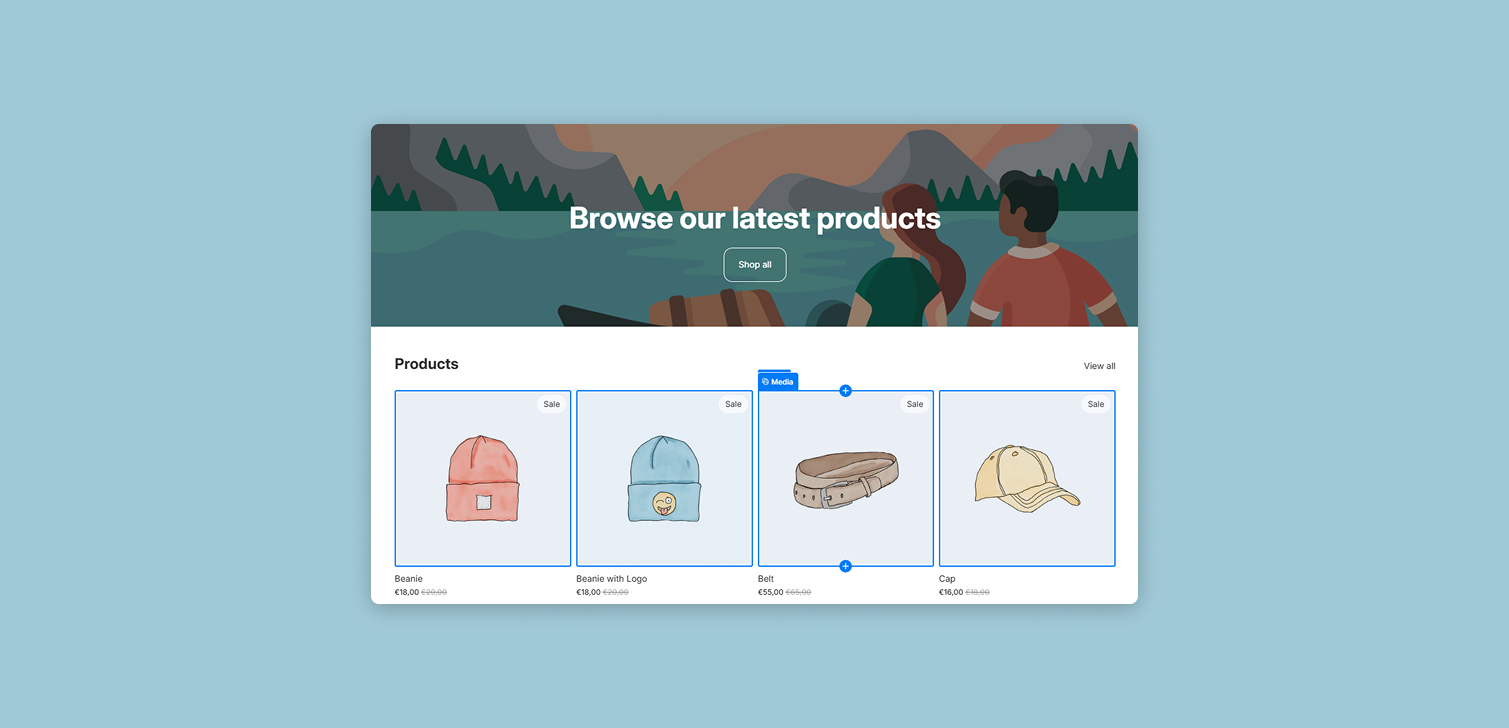
Extending a Shopify theme is a common request. It might be a new homepage section, a variation of an existing block, or a feature that needs to work across several templates. The challenge is rarely technical difficulty. The real challenge is deciding how much to change, what to reuse, and how to keep the theme maintainable over time.
This guide outlines a practical approach to building or extending Shopify theme sections. The goal is consistency with the existing theme, predictable customization options, and code that does not create problems during future updates or migrations.
Start with design and customization requirements
Every section starts with two inputs: design and customization. Both need to be defined before any code changes happen.
Design does not need to be original. It is common to reference another site or an existing section as inspiration. What matters is alignment with the current storefront.
A few things to check early:
Typography, spacing, and color usage match the theme
Layout works with the existing grid and breakpoints
Visual density feels similar to other sections on the page
A design can look good in isolation and still feel wrong once added to the site. Small mismatches add up quickly.
Customization requirements should be written down as a list of settings. These are the controls the merchant will actually use.
Common examples include:
Editable titles and descriptions
Product or collection selectors
Toggles for features like quick add buttons
Layout options such as columns per row or spacing
If a setting is not likely to be changed, it may not need to exist. Every extra option increases complexity for both development and future use.
Check for existing sections before building anything new
Most Shopify themes already include flexible sections that can be extended. Reusing them often saves time and keeps behavior consistent.
Look for sections that are structurally similar, even if the content differs.
Examples:
A horizontal logo list is usually a variation of a Multicolumn section
A grid of videos linking to collections often maps to a Collection list
Simple text, image, product or collection layouts may already exist with minor adjustments
Before deciding to build a new section, review the theme’s sections folder and schema settings. Often, the required change is smaller than expected.
Reusing an existing section has benefits:
Existing responsive behavior stays intact
Styling remains consistent with the theme
Merchants already understand how the section works
This approach also reduces the number of custom sections that need to be maintained long term.

Decide how to extend or duplicate sections
Once a similar section is identified, decide how much it needs to change.
There are three common paths:
Add new settings to an existing section
Slightly modify layout or limits
Duplicate the section and customize heavily
Small changes often fit well into the original section. For example:
Increasing the maximum number of blocks per row
Adding a new media setting, such as a video URL
Introducing an optional button or toggle
If the changes significantly alter structure or behavior, duplication may be safer. This avoids unintended side effects in other parts of the site that already use the section.
When duplicating, keep naming clear and specific. Avoid vague labels like "custom section 2". Clear names help future developers understand intent.
Follow the theme’s existing coding patterns
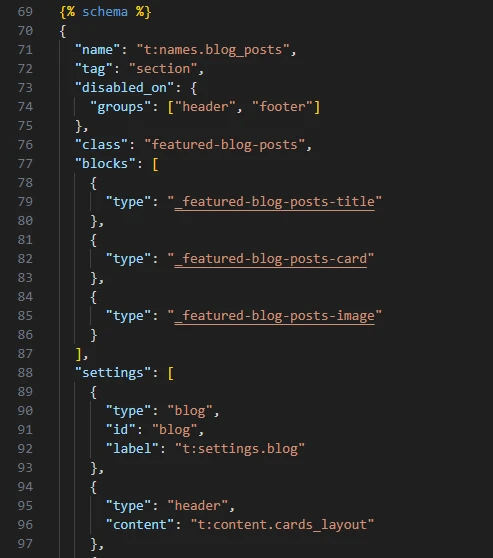
Consistency in code structure matters as much as visual consistency. Shopify themes often follow established patterns for CSS, JavaScript, and Liquid structure.
Match the theme’s approach:
If CSS is split into component files, add styles the same way
If JavaScript is modular, avoid inline scripts
Use existing utility classes where possible
New code should be commented. This is especially important when extending core functionality. Comments help during theme updates, handoffs, or migrations to a new theme version.
Clear comments answer questions like:
Why was this setting added?
What problem does this block solve?
Is this safe to remove later?
This small habit saves time months or years later.
Test with real content across devices
Testing should reflect how the section will actually be used at launch.
Use real products, real images, and realistic text lengths. Placeholder content often hides layout issues.
Testing should include:
Desktop, tablet, and mobile breakpoints
Major browsers
Edge cases like long titles or empty optional fields
It is also worth testing multiple instances of the section if it can be reused. Some issues only appear when a section is stacked or repeated.
FAQ
Should every section be reusable? Not always. Some sections are designed for a single use case. Reusability should be intentional, not automatic.
Is it bad to duplicate sections? No. Duplication is often safer than overloading a single section with conditional logic.
How many settings are too many? If merchants struggle to understand what to change, there are probably too many.
Should custom code follow Shopify best practices or theme patterns? Theme patterns should come first. Consistency within the theme is more important.
Conclusion
Extending Shopify theme sections is mostly about restraint. Reuse existing structures where possible, extend carefully when needed, and duplicate only when changes are substantial. Clear settings, consistent code patterns, and thorough testing lead to sections that are easier to maintain and safer to evolve over time.