Shopify 3D product models and performance
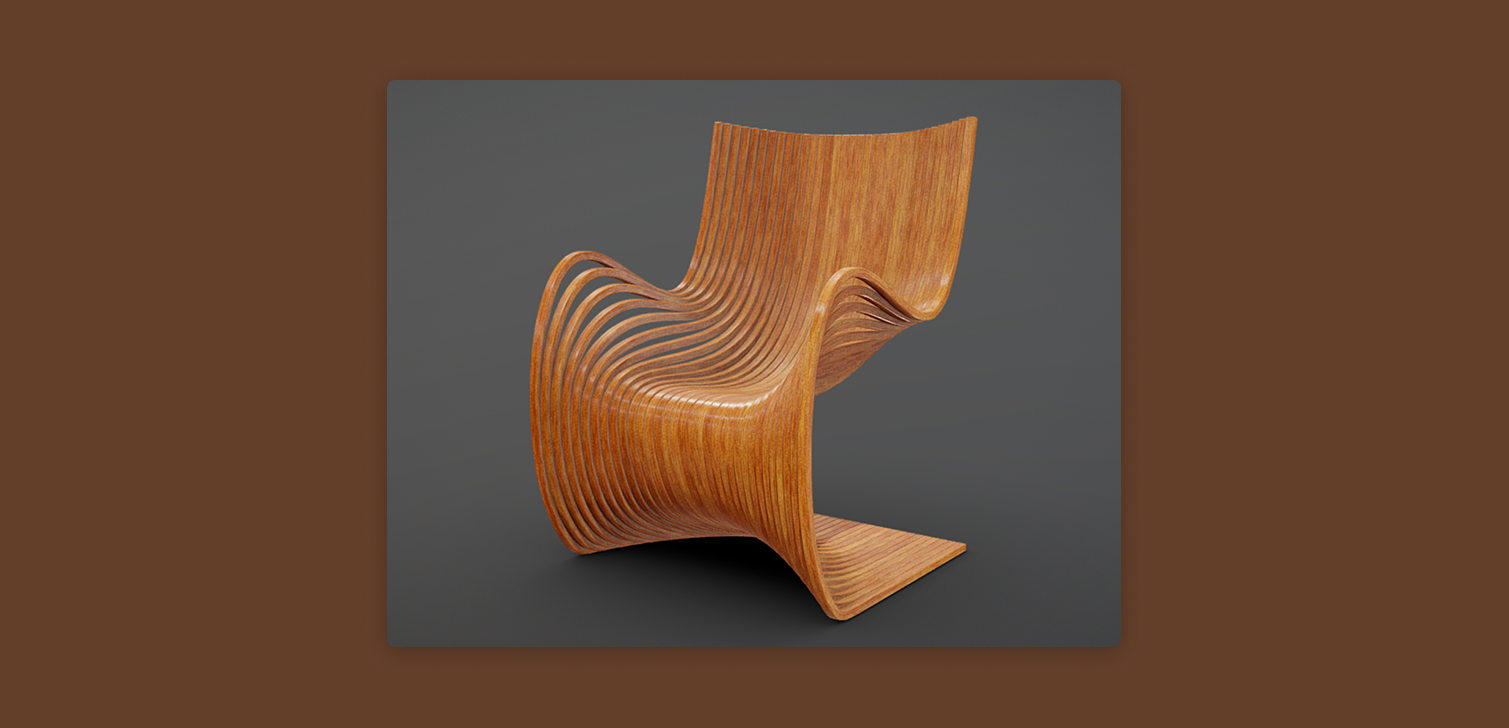
Shopify themes support 3D product models out of the box. Despite that, they are rarely used on real stores. The usual concern is performance. Extra scripts, heavier assets, and slower page loads are all reasonable worries, especially on product pages where speed matters.
To understand whether those concerns are valid, let's examine the Horizon theme in a simple scenario. A product page with a 3D model as the featured media, compared to the same page using a standard image. The focus is page load behavior, asset weight, and Largest Contentful Paint (LCP).
How Horizon loads 3D models
Horizon handles 3D models by showing a static preview image first.
The actual model and viewer are only loaded when the user interacts with it. This matters, because it shifts most of the cost away from the initial page load.
Because of this, LCP is nearly identical in both cases. The main image or preview appears at roughly the same time when loading the page.
A tiny 2kB Javascript file is loaded to support the media. The same file is loaded if you have video in your product's media.
From a pure performance perspective, using a 3D model as the featured media does not meaningfully slow down Horizon's page load time.
Why performance is not the main issue
If performance is acceptable, the next question is whether users actually engage with 3D models.
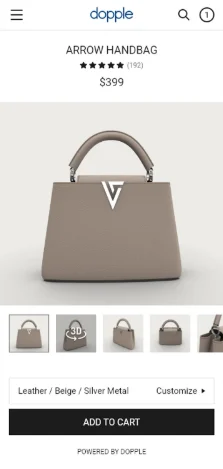
The icon used to open the 3D model sits directly over the center of the preview image. That is not ideal. It partially blocks the product and does not clearly explain what will happen when clicked.
This issue sounds small, but 3D models only provide value if users actually view them.
When 3D models can still make sense
Despite the UX limitations, there are cases where 3D models are still worth considering.
They tend to be most useful when the product benefits from spatial understanding.
Examples include:
Furniture or home decor where scale and shape matter
Technical products with moving parts
Items where surface detail or angles are important for trust
In these cases, even a small percentage of users opening the model can reduce uncertainty and returns. The key is making the option obvious and easy to use.
Simple improvements could help:
Clear text indicators like "Click to view 3D"
Moving the icon away from the center of the preview
Reducing interaction steps on mobile
Without these cues, many visitors will never discover the feature.
FAQ
Does using a 3D model slow down Shopify product pages? In Horizon, the impact is minimal. LCP remains very similar compared to standard images.
Are 3D models loaded automatically on page load? No. Horizon loads a static preview first and only loads the model when users interact.
Are 3D models worth it for all products? No. They work best for products where shape, depth, or interaction adds clarity.
Conclusion
Shopify’s support for 3D product models is better than many assume, at least from a performance standpoint. In the Horizon theme, they do not meaningfully hurt page load or LCP.
The real challenge is usability. If visitors do not notice the model or find it awkward to open, the feature adds little value. With clearer indicators and fewer interaction steps, 3D models could be used more often and more effectively.