A simple way to personalize your Shopify site with customer segments
Personalization in Shopify does not always require apps, scripts, or complex logic. In many cases, you can use tools that are already built into the platform. When used carefully, they let you show specific content to specific customers, based on real behavior.
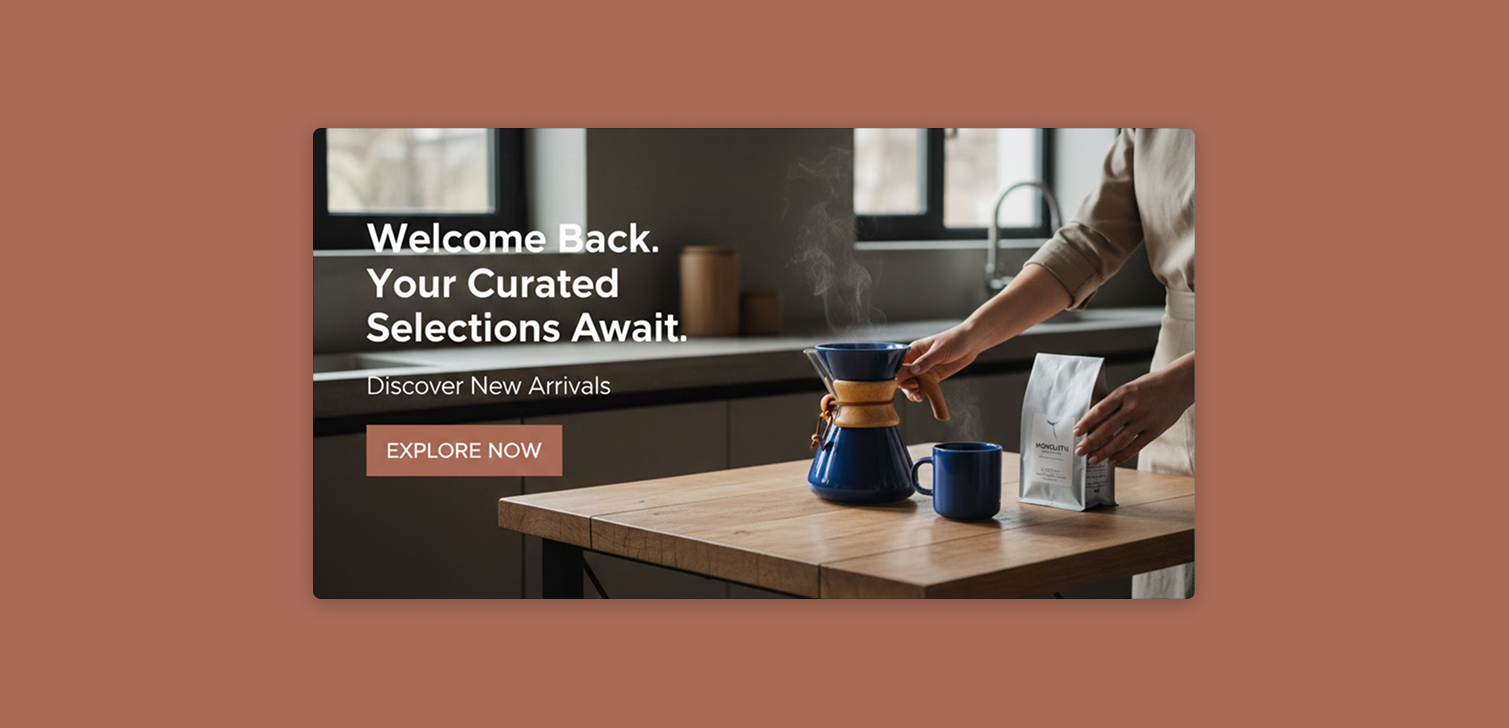
This approach is especially useful if you like experimenting with marketing or want tighter control over what customers see. The example below focuses on a common case: showing a homepage section only to customers who have already placed an order. The same pattern works for many other scenarios.
Why segments are the foundation
Everything starts with customer segments. Segments let you define a group of customers based on conditions like orders, location, tags, or spending.
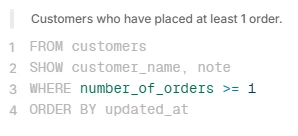
For example, if you want to target returning customers, your segment rule could be:
WHERE number_of_orders >= 1That single condition already gives you a powerful group to work with. You can use segments to tailor messaging, hide beginner content, or promote higher value offers.
Common use cases include:
Showing loyalty messaging to repeat buyers
Hiding onboarding content from existing customers
Promoting subscriptions only to customers who already trust the brand
Adjusting homepage messaging during sales or launches
Segments stay updated automatically, which is what makes this approach scalable.
Tagging for personalization
Once you have a segment, you need a way to reference it in your theme. Shopify themes cannot directly read segments, so you bridge the gap using tags.
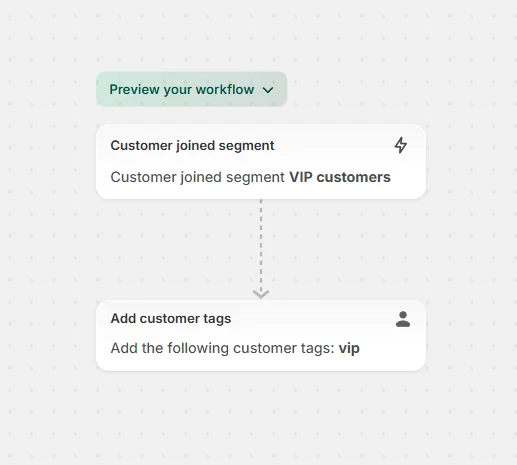
You select the segment, bulk select customers, and add a tag such as ordered_once. From that point on, you want the tag to be applied automatically to new customers who qualify.
You can do that with Shopify Flow:
Trigger: Customer joined segment
Condition: Add customer tags
Then build the reverse flow with Customer removed from segment, and Remove customer tags.
Tags are easy to work with in Liquid and are often enough for most personalization logic.
(In this particular example, you could also use `customer.orders_count` in Liquid, on the next step).
Updating your theme safely
Once customers are tagged, the theme update is straightforward.
Always start by duplicating your theme. (Also always ensure you keep a backup). This gives you a safe place to test without affecting live traffic.
Next steps:
Create the new section according to your design in the theme editor.
Save and preview the theme.
Inspect the page in your browser to find the section ID.
This part can feel a bit awkward the first time, but once you do it once, it becomes routine.
Then add a Custom Liquid section with logic like this:
{% unless customer.tags contains 'ordered_once' %}
  <style>
    #the-id-123123 {
      display: none !important;
    }
  </style>
{% endunless %}
Save the theme and test with different customer accounts.
With a bit more Liquid, you can also show one section to tagged customers and a different one to everyone else.
FAQ
Is this safe to use on a live store? Yes, as long as you duplicate the theme and test before publishing.
Does this work for logged-out users? No. Customer data is only available when a customer is logged in.
Can this affect performance? The impact is practically 0. You are only adding a small conditional check and inline style.
Do I need Shopify Plus for this? No. Everything described here works on standard Shopify plans.
Conclusion
This is a fully native way to personalize a Shopify store. It uses segments, tags, Shopify Flow, and a small theme update. It's one of the cases where no apps are required it its basic form. And you stay in control of the logic.
Once you understand the pattern, you can reuse it for many different scenarios. It is simple, flexible, and easy to maintain.