How to decide what to improve next on your eCommerce site
One of the most common problems with eCommerce sites is not knowing what to improve next. There is always something that could be better. Navigation, design, pricing, checkout, performance. The list never ends.
Instead of jumping between ideas or reacting to random feedback, it helps to simplify the decision. You can usually group most improvements into one of three areas. User experience, visual style, or revenue mechanics.
Pick one of these, evaluate it honestly, and you’ll usually find a clear next step.
1. Start with UX
User experience issues often hide in plain sight. The fastest way to find them is to stop thinking like a site owner and act like a customer.
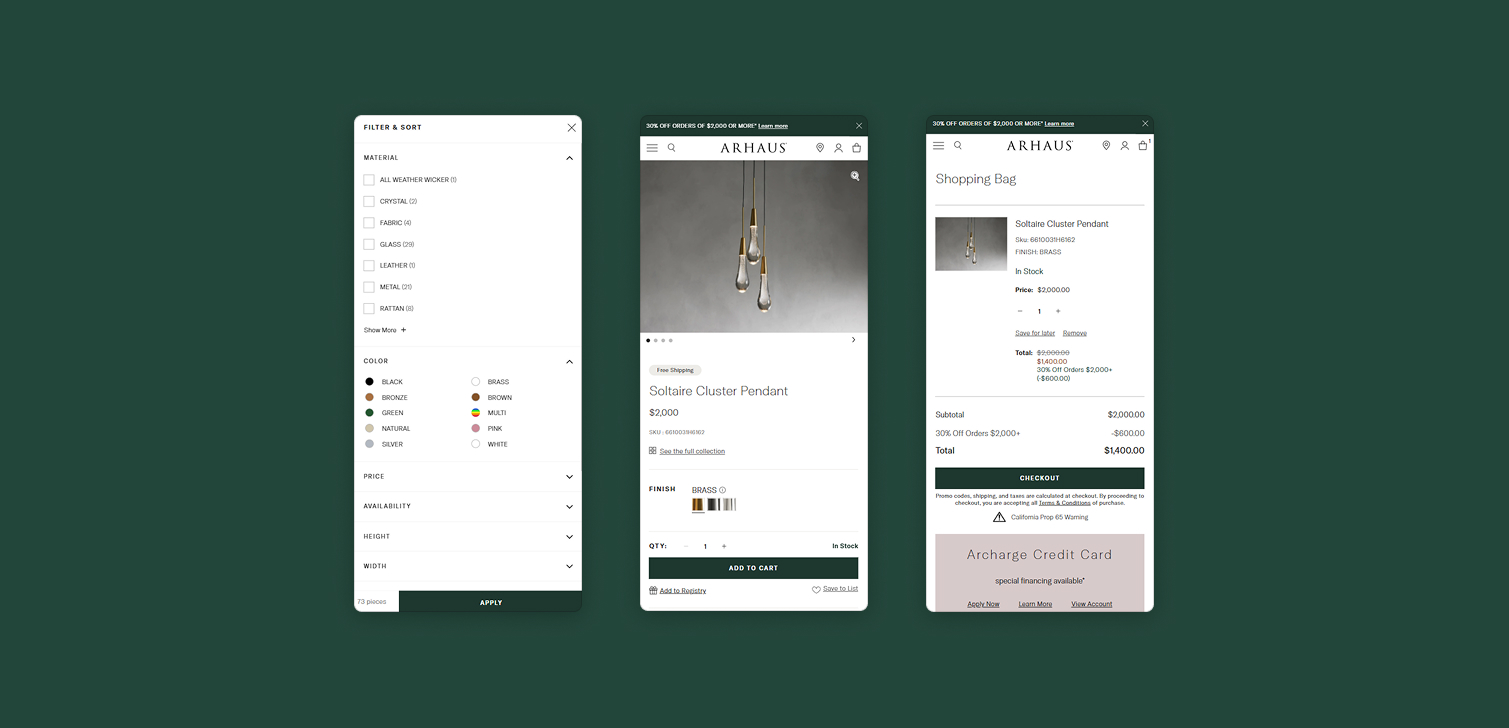
Grab a mobile device. This matters, since most traffic is mobile. Then define around five common user flows. These should reflect real actions people take on your site.
Examples include:
Searching for a specific product and buying it
Filtering a collection by size, color, or price
Checking out with an existing account
Adding an item to the cart and editing quantities
Finding shipping or return information
Go through each flow slowly. Don’t rush. Notice where you hesitate, mis-tap, or feel unsure what to do next.
Pay attention to questions that pop up in your head:
Where am I supposed to click?
Did my action work?
Why is this option hidden?
Why does this step feel heavier than it should?
Anything that causes friction, confusion, or second-guessing is a candidate for improvement. You don’t need analytics to justify this stage. If something feels awkward to you, it likely does for users too.
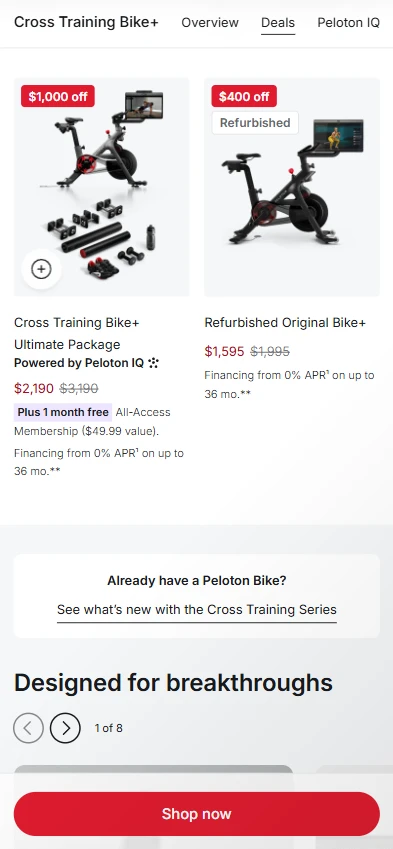
2. Look at style if trust or perception feels weak
Sometimes the site works fine, but it does not inspire confidence. This is usually a style issue.
Visual quality affects trust more than many people want to admit. Fonts, spacing, imagery, and overall polish all signal whether a brand feels established or rushed.
A simple way to evaluate this is to open two or three competitor sites. Include at least one strong global brand if possible. Don’t compare features. Compare how the sites feel.
If your site clearly looks worse, expand the comparison. Look at a few businesses in adjacent or similar industries.
You’re not trying to copy entire designs. Instead, identify specific elements you like, such as:
A cleaner or more readable font
Higher quality product images
More consistent spacing
Better use of color or contrast
Clearer hierarchy on product pages
Pick one or two elements only. Then integrate them into your existing design system. Small visual upgrades, done consistently, are usually more effective than a full redesign.
Style work is especially useful when traffic is healthy but users hesitate to convert.
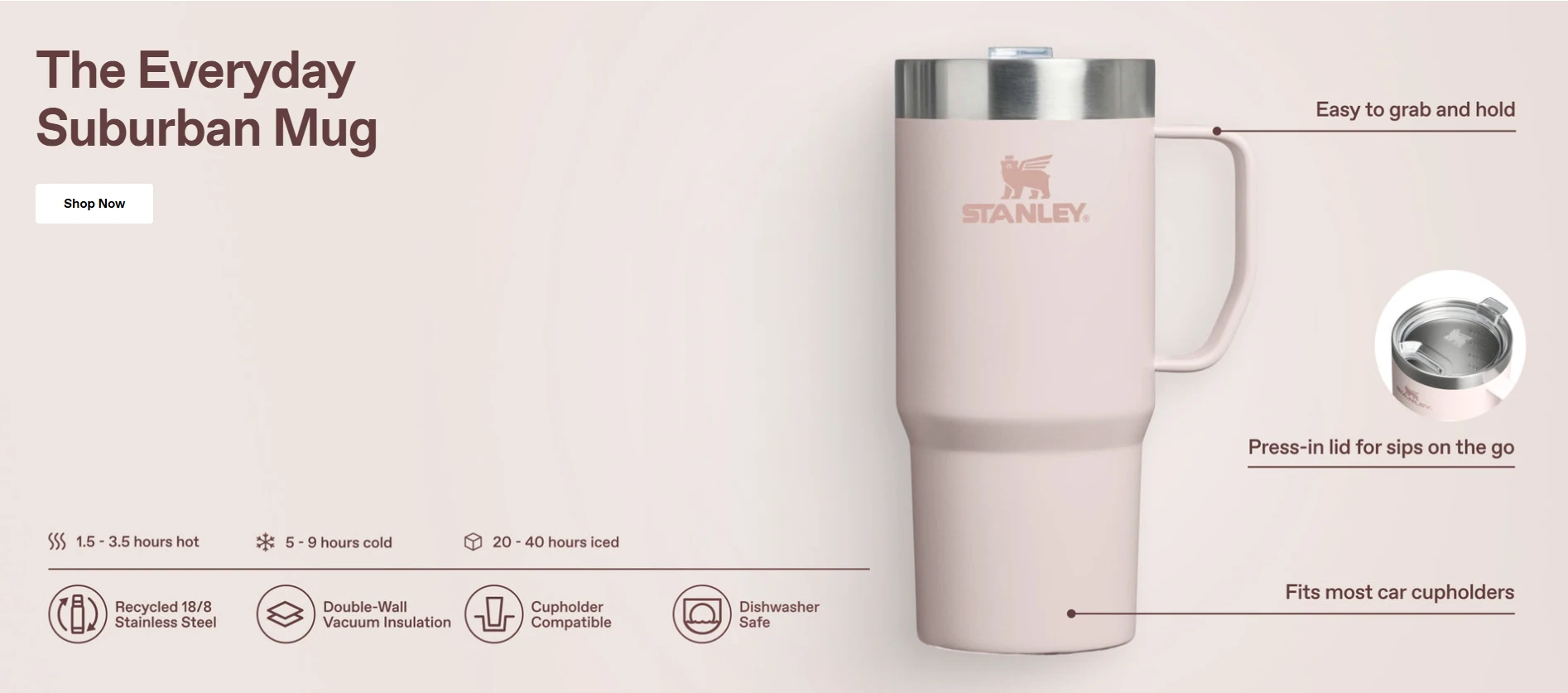
3. Focus on revenue when you need measurable impact
If you want a more numbers-driven approach, focus directly on revenue.
At a basic level, revenue is influenced by three metrics:
Conversion rate
Average order value
Lifetime customer value
UX and style improvements usually affect these indirectly. Revenue-focused work starts by measuring them directly.
Write down your current numbers for each metric. You don’t need perfect accuracy. Directionally correct is enough.
Then ask a simple question. Which one is clearly lagging behind?
Some examples:
Low conversion rate might point to friction in checkout or unclear value propositions.
Low average order value could suggest missing bundles, upsells, or pricing structure issues.
Low lifetime value might indicate weak retention, poor post-purchase experience, or lack of email flows.
Once you identify the weakest metric, decide how confident you are in the solution.
If you are confident, implement the change and monitor results. If you’re unsure, use A/B testing to reduce risk. Both approaches are valid, depending on impact and effort.
FAQ
Do I need analytics before making UX changes? Not always. Direct interaction with your site can reveal obvious issues quickly.
Should I work on more than one area at once? It’s better to focus on one primary area to avoid diluted effort.
How often should I reassess these three areas? Every few months is usually enough, or after major changes in traffic or conversion. The biggest brands are constantly improving their website.
Is redesigning the site usually worth it? Full redesigns are risky. Incremental improvements often deliver better results.
Conclusion
When deciding what to improve next, simplicity helps. Most eCommerce improvements fall into UX, style, or revenue.
Pick one. Evaluate it honestly. Make a focused change. Then reassess.
This approach won’t eliminate all uncertainty, but it reduces noise. More importantly, it helps you move forward with intent instead of guesswork.