Understanding Shopify semantic search for better store search results
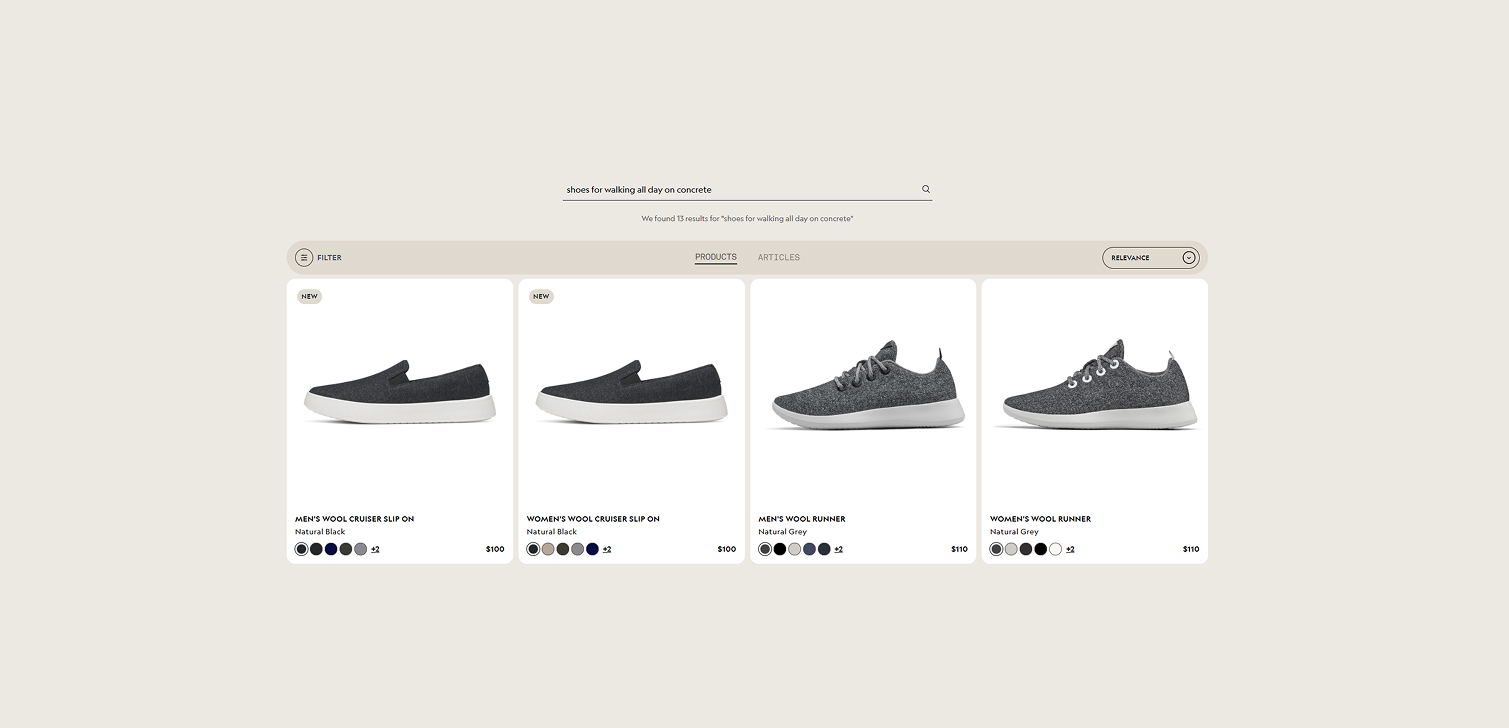
Online store search used to be simple keyword matching. You typed a term and the search engine looked for products with those exact words.
Shopify’s semantic search works differently. It tries to understand what a shopper really means, not just what they type. That can make a big difference in how easy it is for customers to find what they want.
What semantic search actually does
Semantic search uses machine learning to interpret queries more like a human would. Instead of matching exact words, it looks at meaning, context, and relationships between concepts in product data. That can include text and even image information tied to your products.
Imagine a shopper types “comfortable hiking shoes for wet trails” into your store search. A traditional search engine would look for products with exactly those words in their title or description. With semantic search, Shopify interprets that query as intent - a rugged, water-resistant outdoor shoe that’s easy to walk in - and returns products that fit that intention, even if none of those exact terms are in your product titles or tags.
This approach helps when customers don’t know the right keyword, or when they describe attributes they care about instead of product names.
Why it matters for your store
Good search results can have measurable effects on conversions and engagement. If people can’t find what they want, they often leave without buying.
Semantic search helps with:
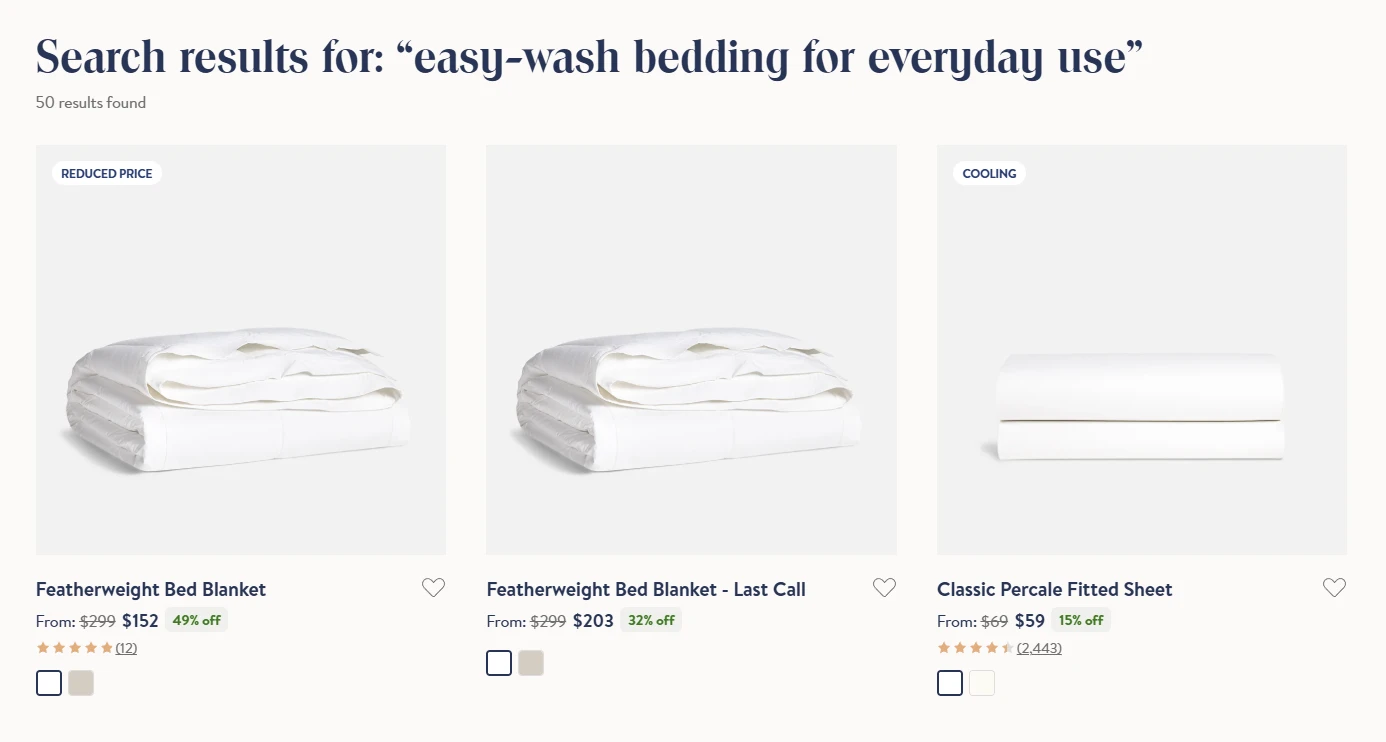
Natural language searches. Customers don’t have to guess a product title or use specific keywords to find what they’re after.
Fewer no-result searches. Searches that would otherwise return nothing can return relevant products based on meaning.
Relevance beyond phrases. It looks at relations between terms and product data, yielding richer results.
How to enable semantic search in your Shopify store
Shopify packages semantic search inside the Search & Discovery app. To turn it on:
Go to Apps > Search & Discovery > Settings > Semantic search, and enable it.

Availability and limitations you should know
Semantic search isn’t automatically on for every Shopify store. There are a few requirements:
Your store must be using the Search & Discovery app.
It’s supported on Shopify plans that include this feature (Shopify, Advanced, Plus depending on updates).
Your catalog must have fewer than 200,000 products.
Also keep in mind that thematic UI changes on your search bar might be necessary if you want customers to explicitly trigger searches by hitting Enter or a button. That’s because semantic search applies when a full query is submitted, not to predictive suggestions by default.
Practical use cases for semantic search
Better performance on long or descriptive queries
Customers often type what they want, not search terms. Queries like “gift ideas for a friend who loves camping” aren’t easy to match with keywords alone. Semantic search interprets the intent and shows relevant products like tents, backpacks, or camping chairs.
Reducing zero-result searches
Traditional search might return nothing if a customer uses synonyms or descriptive language. Semantic search fills those gaps, giving customers options instead of dead ends.
Supporting diverse product catalogs
Stores with many variants and use cases benefit more because semantic models can weigh attributes like style, use, or features, not just words.
FAQ
Does semantic search replace predictive search? No. Predictive search (suggestions as you type) still uses Shopify’s regular logic. Semantic search applies once the customer submits the query.
Do I need extra apps or custom code? You need the Search & Discovery app. Most theme updates are optional, but you might adjust UI to handle the Enter/submit behavior.
Can it handle misspellings? Shopify’s search has built-in typo tolerance too, but semantic search focuses on intent. You still get some benefits from typo handling alongside semantic logic.
Conclusion
Semantic search helps customers find products using natural language, not just exact words and phrases.
For stores that want a more intuitive search experience, it can increase relevance and reduce friction.
Taking the time to understand how your customers describe what they want can make your search results work harder for you, and ultimately improve conversions.