Why customer photos matter more than you think on Shopify product pages
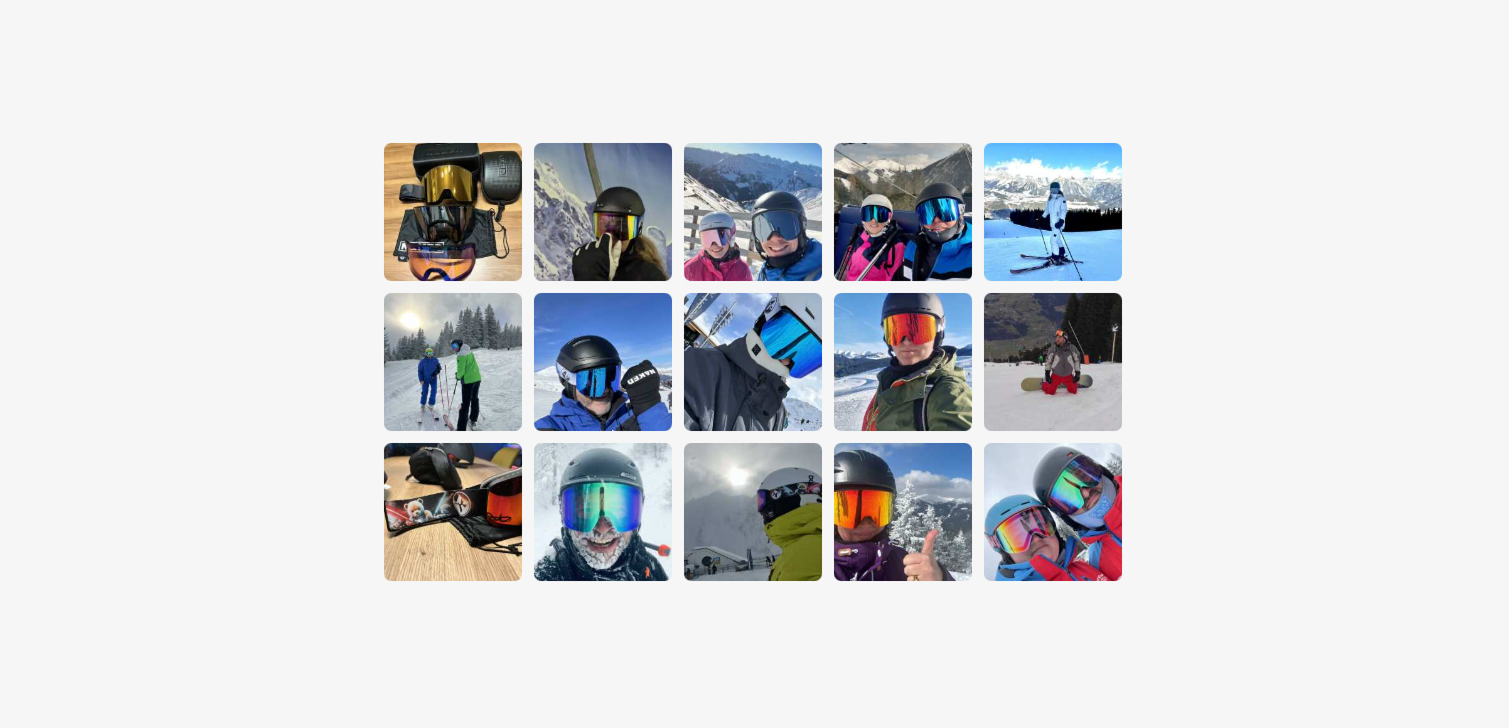
Most ecommerce visitors will look at customer-submitted images if they are available.
Not all of them will scroll through every review, but many will scan photos before making a decision. This behavior shows up again and again across stores, categories, and price points.
Because of that, customer images are not a nice extra. They are part of how people evaluate a product. If your Shopify reviews app supports photo reviews, the way those images are displayed matters almost as much as the images themselves.
Why shoppers look for customer photos
Product photos from the brand are useful, but they are also controlled. Shoppers know this. Customer images feel more neutral and more grounded in reality.
People use these images to answer simple questions they still have after reading the product page, such as:
What does this look like in real lighting?
How does it fit on a real person or in a real space?
Does the color match the description?
Are there details the product photos did not show?
Often the thought process is not fully formed. It is closer to, "I am not sure if this is what I am looking for." Customer images help resolve that uncertainty without requiring extra effort.
Reducing friction is more important than adding features
If customer images exist, shoppers should be able to find and use them quickly. Extra clicks work against that goal.
A good rule of thumb is simple. Do not make people work to see information they already expect to find.
When images are buried behind multiple taps, modals, or confusing layouts, visitors disengage. This is especially true on mobile.
Think in terms of access, not design flair. Fewer steps usually mean better outcomes.
What to check in your Shopify review setup
Most ecommerce platforms, including Shopify, rely on apps to collect and display reviews. If you allow customers to upload images, it is worth reviewing how those images behave on the storefront.
Note: Keep in mind that review apps may not be the only source for user-generated images. Photos from social posts are also worth considering.
Here are a few specific things to check, especially on mobile devices.
Image switching should be one action Users should be able to swipe or tap once to move between images. If switching requires repeated tapping on small controls, many users will stop.
Thumbnails should show context Showing multiple small thumbnails helps shoppers understand there is more to explore. It also lets them choose what looks relevant instead of cycling blindly.
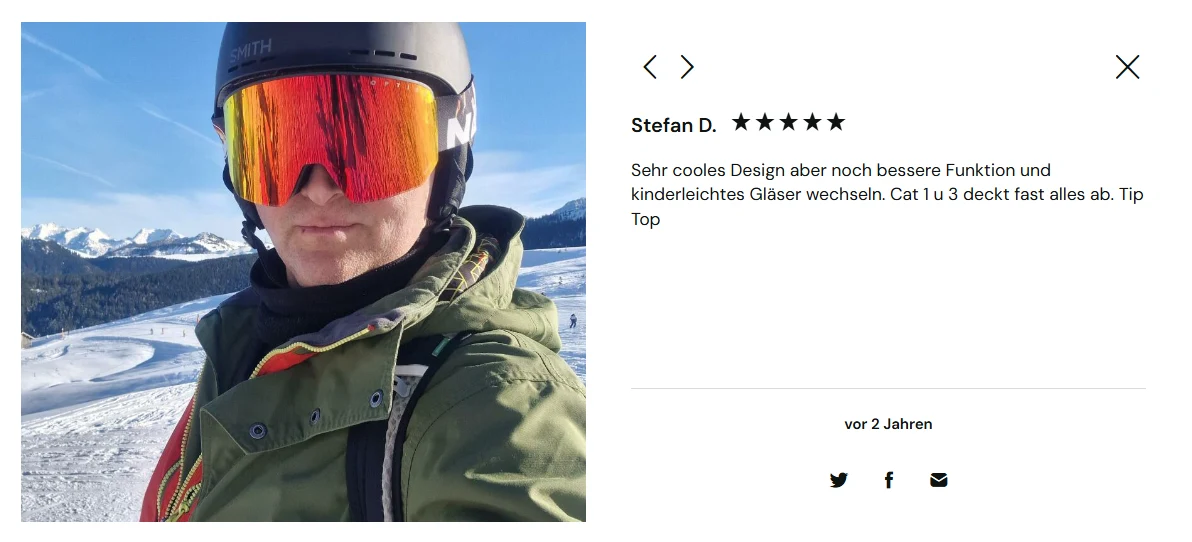
Full-screen views should be easy to exit If an image opens full-screen, the close or "x" button should be large, visible, and reachable with one thumb. Hidden or tiny close buttons frustrate users and break the flow.
These details seem small, but they add up. Each extra bit of friction increases the chance that someone abandons the page.
Moderation and featuring the right images
If you moderate reviews, you have some control over which images appear first or get published at all. Use that control carefully.
Helpful images usually show:
The product in use, not just in packaging
Clear angles or details that answer common questions
Realistic lighting and scale
Images that are blurry, repetitive, or unrelated add noise. They do not help shoppers decide, and they can even reduce trust.
Featuring useful customer images is not about hiding negative feedback. It is about making sure the visual information actually helps someone understand the product.
FAQ
Do customer images really affect conversion? They support decision-making by reducing uncertainty. While results vary by store and product, they generally help shoppers feel more confident.
Should customer images replace brand photos? No. They serve different purposes. Consistent and high-quality brand photos set expectations, customer photos validate them.
How many customer images should be visible? There is no fixed number. What matters is that users can see there are multiple images and access them easily.
Conclusion
Customer-submitted images are part of how people shop online now. If your Shopify store collects them, the next step is making sure they are easy to view and easy to exit.
This is not about adding more features or redesigning everything. It is about removing obstacles. Clear access, simple controls, and helpful images do most of the work.
When customers can quickly answer their own questions, they are more likely to move forward. That is the real value of customer photos done well.