Why your Shopify banner text should be real HTML, not baked into an image
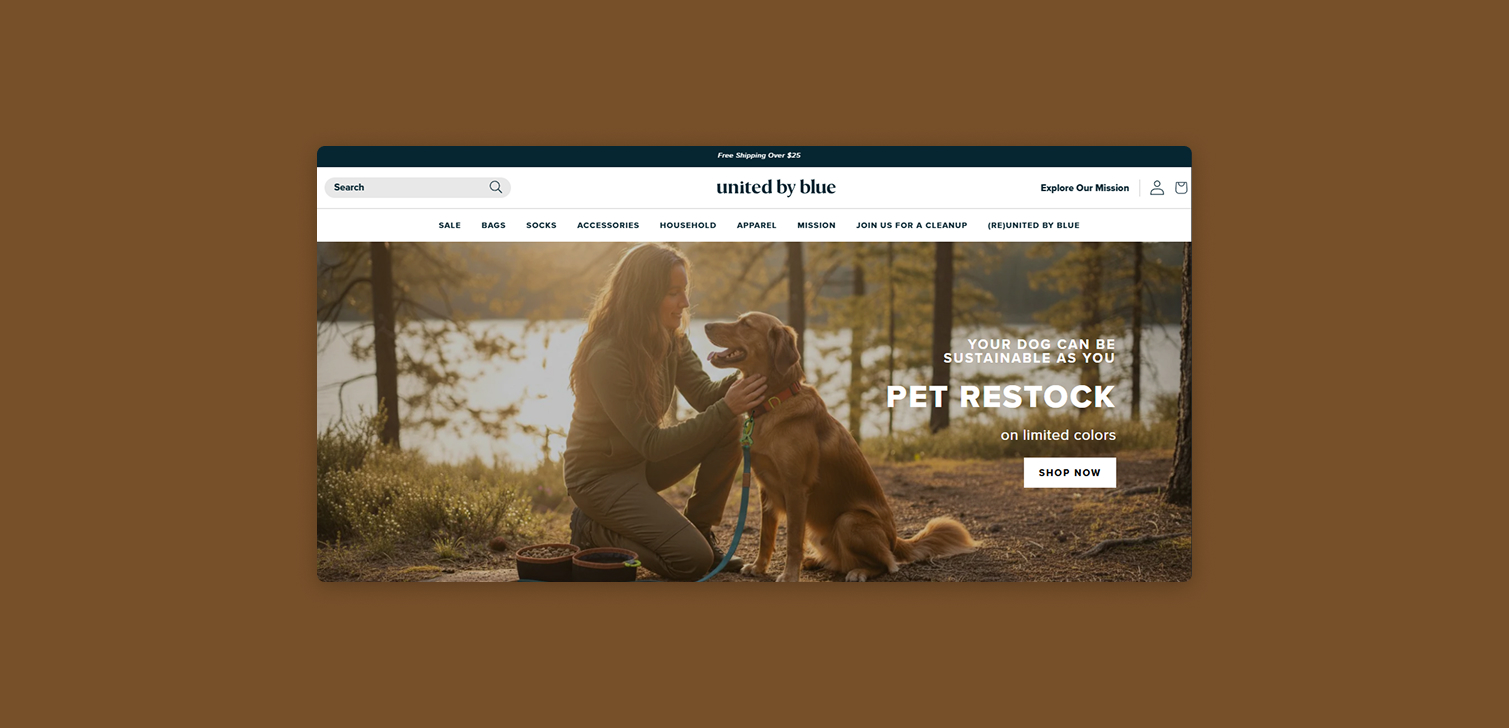
E-commerce teams often place text directly into a banner image. It seems simple. It lets designers control every pixel. But it creates problems later, especially as your site grows and needs to work across devices.
This article explains why keeping text in the theme editor settings - not inside your images - leads to cleaner design, better usability, and fewer surprises.
The problem with cropped or cut-off text in Shopify themes
Shopify themes allow some control over responsive images. But they rarely give you full control. The result is that a banner can look fine on desktop, then lose key text on mobile because the image crops differently.
Here’s what often happens:
A banner looks balanced in a static design file.
The front-end scales it in ways the designer did not expect.
The background image crops left or right.
Any text baked into the image gets cut off.
If the text lives in HTML, the browser can reflow it. The layout keeps the message intact, even when the background shifts a bit.
Teams dealing with large catalogs or holiday campaigns feel this issue the most. The time spent fixing cropped text across dozens of banners adds up. At that point, the text setting pays for itself.
Blurry text and uneven quality
Images can be compressed. They can be resized. They can load differently depending on network speed. Your headline, however, shouldn’t look fuzzy. When text is baked into the image, it picks up every compression issue.
Real HTML text avoids this. It stays crisp because it’s rendered by the browser. You don’t have to worry about pixel density or export settings.
Some teams use the same banner file for multiple markets or languages. Designers end up re-exporting the image repeatedly. Using a text block makes localization faster.
How HTML text improves search performance
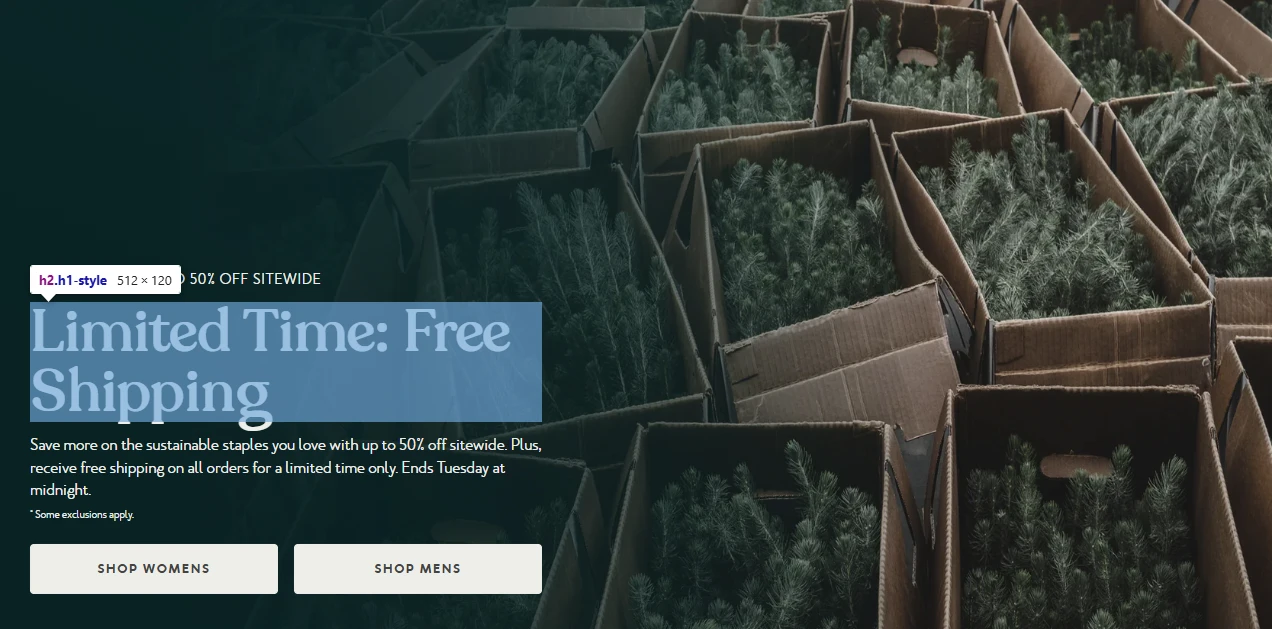
Search engines read code, not pixels. When your message is part of the image, Google and other crawlers can’t understand it. They won’t know what your headline says or what the call-to-action button leads to.
Using real text solves that. The crawler can:
Parse the heading
Understand the content
Evaluate relevance
Index the CTA
For Shopify stores that depend on organic traffic, this matters more than most people expect. A hero banner often includes important keywords or product categories. If that text only exists inside a JPEG, it has zero SEO value.
Keeping your branding consistent
Designers sometimes create banners with fonts or colors that drift from the site’s style guide. It’s rarely intentional. It usually happens because the banner is created in a tool that allows more creative freedom.
Using text and buttons from your theme keeps everything unified:
Typography stays on-brand.
Buttons behave the same way everywhere.
Spacing and sizing follow the theme’s rules.
This gives the site a steady rhythm. It also reduces QA issues for teams that ship updates frequently.
When this approach helps the most
This workflow is especially useful for:
Stores with many seasonal campaigns
Teams with multiple designers
Brands that localize banners
Sites where mobile traffic is the majority
Stores that rely heavily on SEO-sensitive categories
Once you build the habit of keeping text in the relevant theme section or block, design work becomes cleaner. You’ll also reduce manual fixes when banners need to adapt across screens.
FAQ
Can I still use designer-made visuals? Yes. Designers can still create strong photography or shapes. You’re only moving the text and button into HTML.
What if my theme has limited layout controls? Every official Shopify theme lets you layer text over images. If yours doesn’t give you the exact settings you need, you may need a lightweight custom section - or it might be time to consider getting a better quality theme.
Does this slow down production? Usually it speeds things up. You don’t have to re-export banners for every small text change.
Will this affect accessibility? It improves accessibility. Screen readers can interpret real text and buttons.
Does this work for all banner formats? It works for most hero sections, promotional blocks, and feature banners. Static images with fixed text are still fine for decorative use only.
Conclusion
Baking text into banner images seems convenient at first. But real HTML text gives you better clarity, sharper presentation, stronger SEO, and tighter branding. It makes your site easier to maintain, especially as it grows.